A Complete Guide to ICEGATE Bill of Entry and Shipping Bill Processes
Ecommerce Tips & Tutorials
India's import and export ecosystem relies heavily on accurate customs documentation, and ICEGATE, India's primary customs digital gateway, plays a crucial role in this. Whether you are an importer, exporter, or logistics manager, understanding the ICEGATE Bill of Entry and the ICEGATE Shipping Bill processes is essential for smooth cross-border trade.
This comprehensive guide explains everything you need to know about ICEGATE, including processes, document flow, status checks, common challenges, and how platforms like ILS Portal simplify your logistics and customs experience.
Throughout this blog, we will also cover important search topics, such as ICEGATE shipping bill status, ICEGATE tracking, and other practical details that users frequently look for.
Also Read: https://ilsportal.io/blogs/dtdc-courier-tracking-status
What Is ICEGATE?
ICEGATE (Indian Customs Electronic Gateway) is the official digital portal for India's customs department. It allows importers, exporters, and logistics providers to submit documents electronically, check statuses, and manage customs processes online.
Users rely on ICEGATE for:
- Filing customs documents
- Checking Bill of Entry status
- Checking Shipping Bill status
- Verifying import/export data
- Accessing EDI services
Because millions of transactions pass through this system, understanding ICEGATE is critical for any business involved in global trade.
Importance of ICEGATE for Importers & Exporters
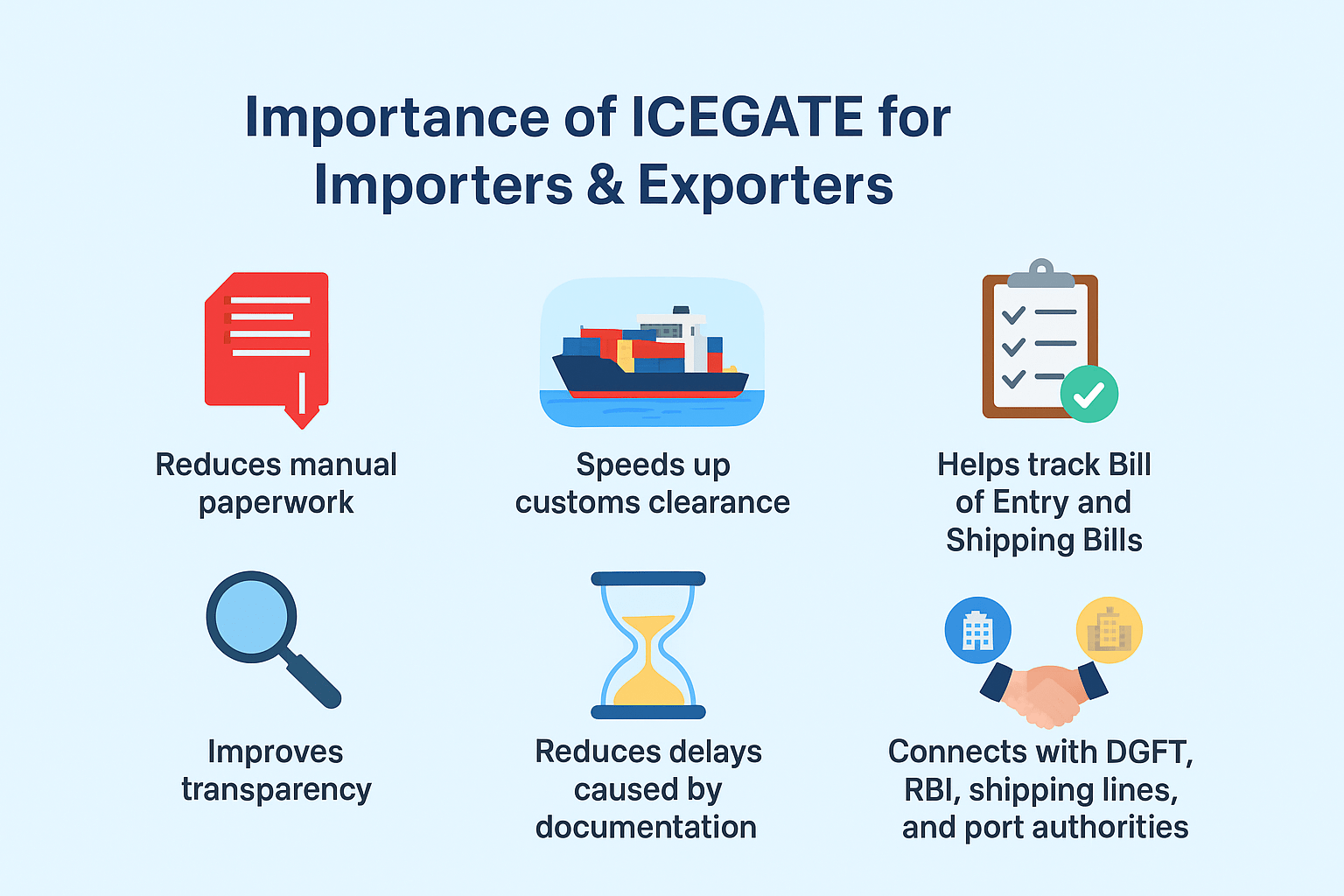
The ICEGATE portal is essential because it:
- Reduces manual paperwork
- Speeds up customs clearance
- Helps track Bill of Entry and Shipping Bills
- Improves transparency
- Reduces delays caused by documentation
- Connects with DGFT, RBI, shipping lines, and port authorities
By using ICEGATE, businesses can ensure their documentation is compliant and updated, which directly impacts their logistics timelines. The import and export business connects buyers and sellers across borders, helping brands expand globally. With the right tools and proper documentation, companies can manage international trade smoothly.
What Is a Bill of Entry in ICEGATE?
A Bill of Entry (BOE) is a mandatory legal document that importers must file for customs clearance. On ICEGATE, the Bill of Entry contains information such as:
- Importer details
- HS codes
- Value of goods
- Duty calculation
- Port details
Importers frequently search for the ICEGATE Bill of Entry to understand duties, taxes, and clearance stages. The ICEGATE portal allows users to view or download their ICEGATE Bill of Entry status easily.
By combining ICEGATE documentation with logistics solutions, users gain an end-to-end view of customs and courier movement.
What Is a Shipping Bill in ICEGATE?
A Shipping Bill is the export equivalent of a Bill of Entry. Exporters file it on the ICEGATE portal before sending goods outside India.
An ICEGATE Shipping Bill includes:
- Exporter details
- Description of goods
- Value of items
- Port and shipping line information
- Export incentives and schemes (MEIS, RoDTEP, etc.)
Businesses often check the ICEGATE Shipping Bill status to confirm whether their goods are cleared for export.
Just like import status checks, exporters can enhance their workflow by managing logistics and post-clearance shipping.
Key Differences: Bill of Entry vs. Shipping Bill
| Feature | Bill of Entry | Shipping Bill |
|---|---|---|
| Purpose | Used for imports | Used for exports |
| Filed By | Importer | Exporter |
| Filed On | ICEGATE portal | ICEGATE portal |
| Document Use | Customs clearance | Export approval |
| Status Check | ICEGATE Bill of Entry status | ICEGATE Shipping Bill status |
Both are essential for customs compliance, and users frequently use ICEGATE and ICE Gate terms when searching for them.
How to Check the ICEGATE Bill of Entry Status
Users often search online for "ICEGATE bill of entry" because checking BOE status is a common requirement.
Here's how to check it:
- Visit the ICEGATE portal.
- Go to the Services or Document Status section.
- Enter Bill of Entry number, date, and port.
- Submit to view the clearance stage.
This ICEGATE process helps importers track duty assessment, examination, and release details.
Many businesses combine ICEGATE tracking with shipment tracking.
How to Check ICEGATE Shipping Bill Status
ICEGATE shipping bill status checking is important for exporters who need confirmation for:
- Clearance
- Shipment loading
- EGM filing
- Incentive claim eligibility
To check the ICEGATE shipping bill status:
- Visit ICEGATE.
- Select Shipping Bill status tracking.
- Enter the Shipping Bill number and date.
- Get live status updates.
Because exporters rely heavily on timely documentation, many integrate their export workflows with tools like ILS Portal to manage courier and final dispatch.
Common Issues Faced on the ICEGATE Portal
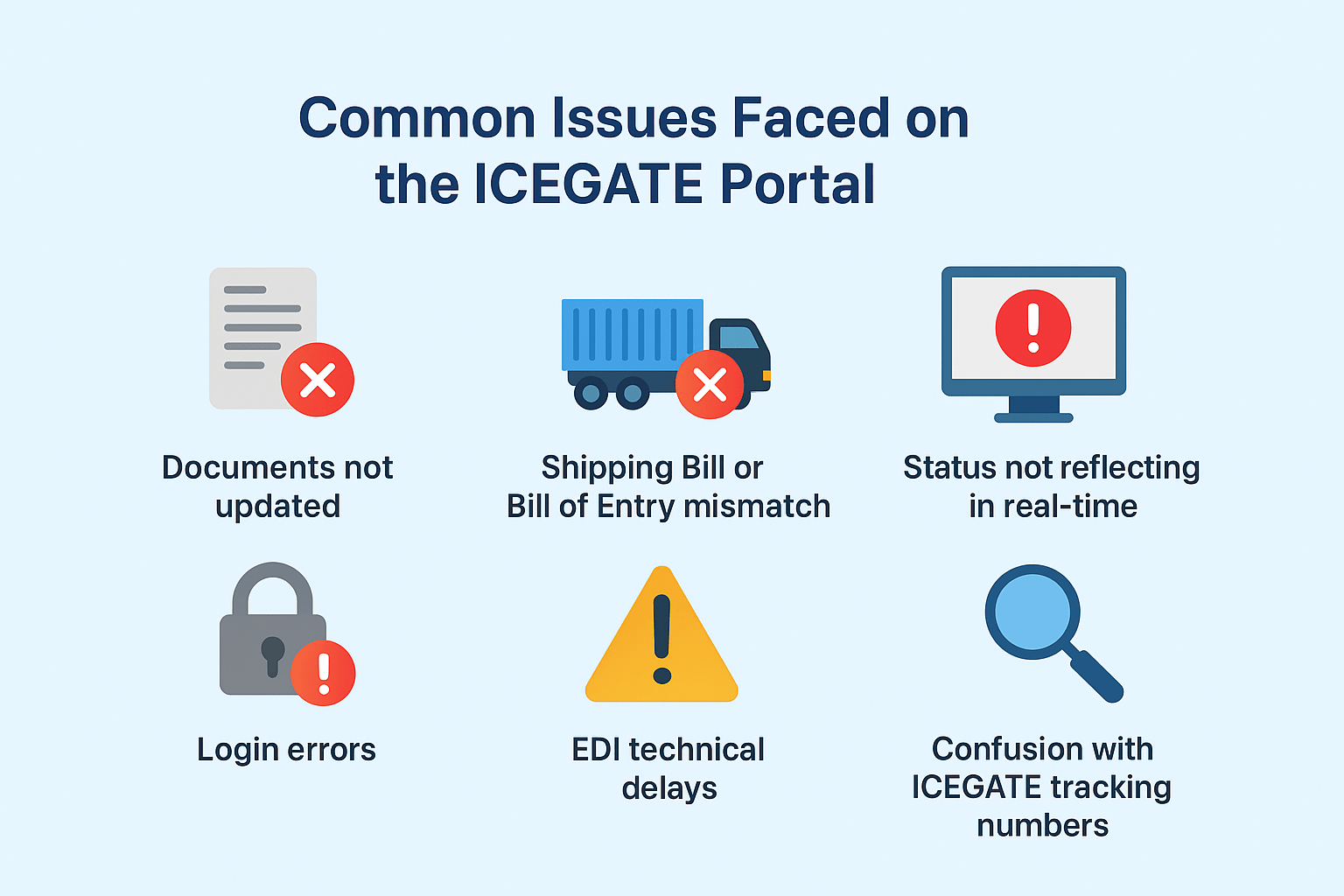
While using ICEGATE, users sometimes face challenges like:
- Documents not updated
- Shipping Bill or Bill of Entry mismatch
- Status not reflecting in real-time
- Login errors
- EDI technical delays
- Confusion with ICEGATE tracking numbers
Because of these challenges, users prefer having a combined logistics dashboard. This is where the ILS Portal becomes particularly helpful, offering real-time updates on couriers, orders, and logistics.
How ILS Portal Helps With Logistics & Documentation
While ICEGATE manages customs documentation, ILS Portal manages logistics, shipping, and e-commerce courier connections.
Using the ILS Portal:
- Real-time courier updates
- Order tracking
- Simplified logistics operations
- Faster dispatch and delivery insights
- Automated sync with shipping providers
Thus, importers and exporters can manage both customs and logistics more efficiently.
Final Thoughts
Understanding ICEGATE, ICEGATE Bill of Entry, and ICEGATE Shipping Bill processes is crucial for anyone dealing with imports or exports in India. By understanding how the ICEGATE portal operates and learning how to check your shipping bill and bill of entry status, you can minimize delays and enhance workflow efficiency.
And when paired with logistics platforms like the ILS Portal, businesses gain complete control over customs and shipping operations, boosting efficiency, transparency, and customer satisfaction.
Frequently Asked Questions
1. What is ICEGATE used for?
ICEGATE is used to file and check customs documentation, such as the ICEGATE Bill of Entry and the ICEGATE Shipping Bill.
2. How do I check the ICEGATE Shipping Bill status?
Visit the ICEGATE portal, enter your shipping bill number, and view the latest status.
3. What is ICEGATE tracking?
ICEGATE tracking refers to checking the status of customs documents, such as Bills of Entry or Shipping Bills.
4. What is the difference between ICEGATE and ice gate?
Both refer to the same portal; "ice gate" is simply a common user spelling variant.